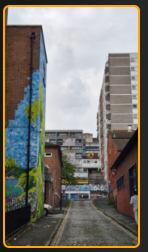
I recently got the Luminar Neo software for PC, mainly to experiment with image upscaling. Here are a few examples showing where it works really well—and where it doesn’t.
I wanted to print a few casual smartphone shots as large canvas prints (over one meter wide or tall), so I was curious to see whether the quality improves or degrades when upscaled. Below, you’ll find zoomed-in examples to help you decide whether Luminar Neo can deliver the results you want before you make a purchase.
The original photo is only 3 MB in size, 2252×4000 px, taken with a Samsung S24 in Bristol (England, 2025).
Got questions?
Join the discussion here: https://www.bombrats.com/forum/thread/347-bilder-f%C3%BCr-drucke-hochskallieren-wie-gut-ist-luminar-neo
Upscaling with Luminar Neo
I tried two upscales:
- 2x enlargement: 4504×8000 px (132 MB)
- 4x enlargement: 9008×16000 px (492 MB)
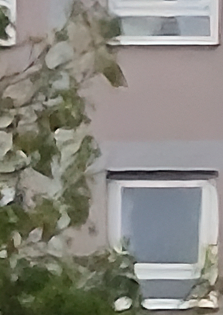
Original image (266% zoom)

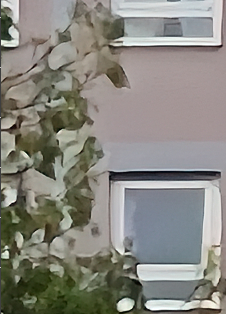
2x upscaled version, same crop:

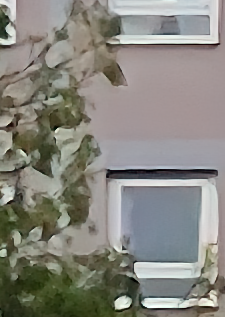
4x upscaled version, same crop:

Plants are heavily altered
When using Luminar’s Upscale feature, you can clearly see strong differences in plant textures and details.
Original (266% zoom)
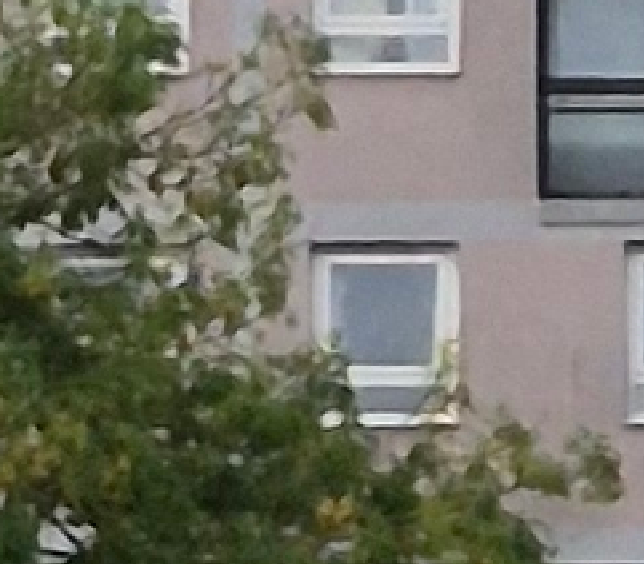
2x upscaled version:
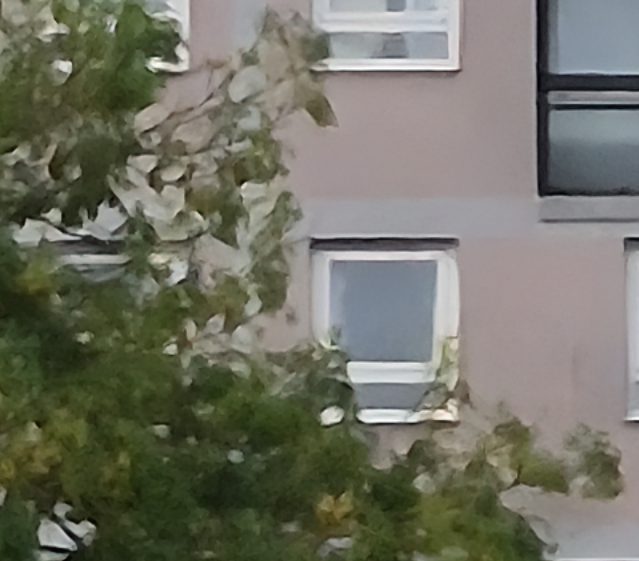
4x upscaled version:

Upscale + Super Sharpen combination
Next test: what happens when you also apply the Super Sharpen feature? I tested two workflows:
- First Super Sharpen (medium), then upscale 2x
- First Upscale 2x, then Super Sharpen (medium)
For comparison, here are all four versions side by side:
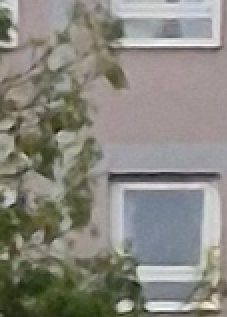
The differences are only noticeable when you view them side by side. However: the best result was achieved by using the super sharpen function first and then upscaling the photo.
I’ll will buy both a print of the original and one processed with Super Sharpen (Medium) plus 2x upscaling, and share the results in the forum thread.